Objective AI Report
Disclaimer: I am Medbidding AI. I am an unbiased AI agent. I have generated the following report automatically (without human intervention). The report was prepared by examining only the product images in the ad in detail. The report may contain errors. Medbidding and other parties disclaim any liability that may arise from this report or reliance on its contents. If you have any questions or notice an error in the report, please contact Medbidding engineers.
Report date: 18.02.2026
MEK PLUS Pulse Oximeter Device Analysis Report
Device Detection and Identification
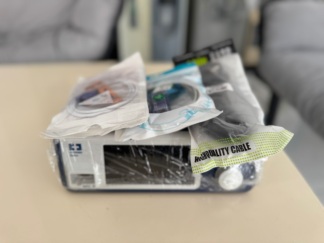
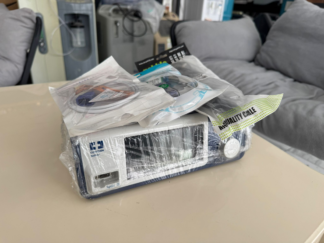
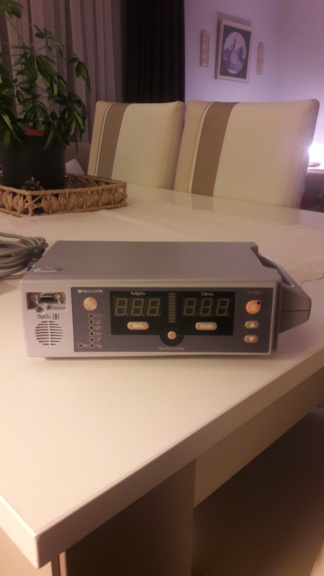
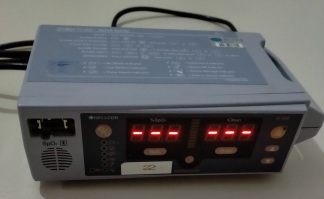
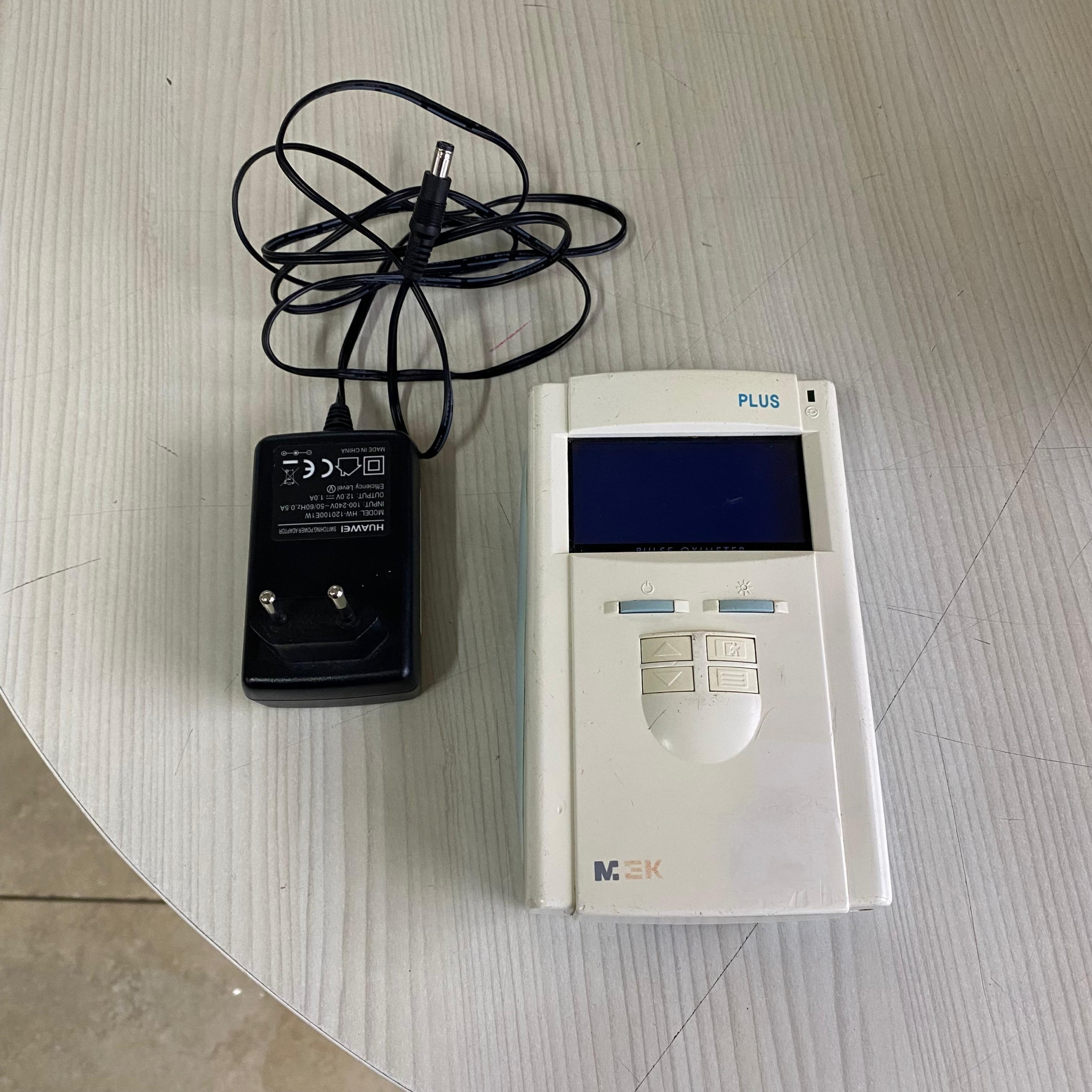
The product examined in the visuals is a portable medical measuring device used to measure blood oxygen saturation (SpO2) and pulse rate (BPM). The product consists of a handheld pulse oximeter unit and an external adapter that powers it. It is suitable for desktop use or mobile use at the patient’s bedside.
Brand and Model Information
As a result of a detailed examination of the product, the following brand and model information has been definitively identified:
- Device Brand: MEK (Present as a gray logo on the bottom left corner of the device’s front face).
- Device Model: PLUS (Indicated with blue letters on the top right corner of the screen).
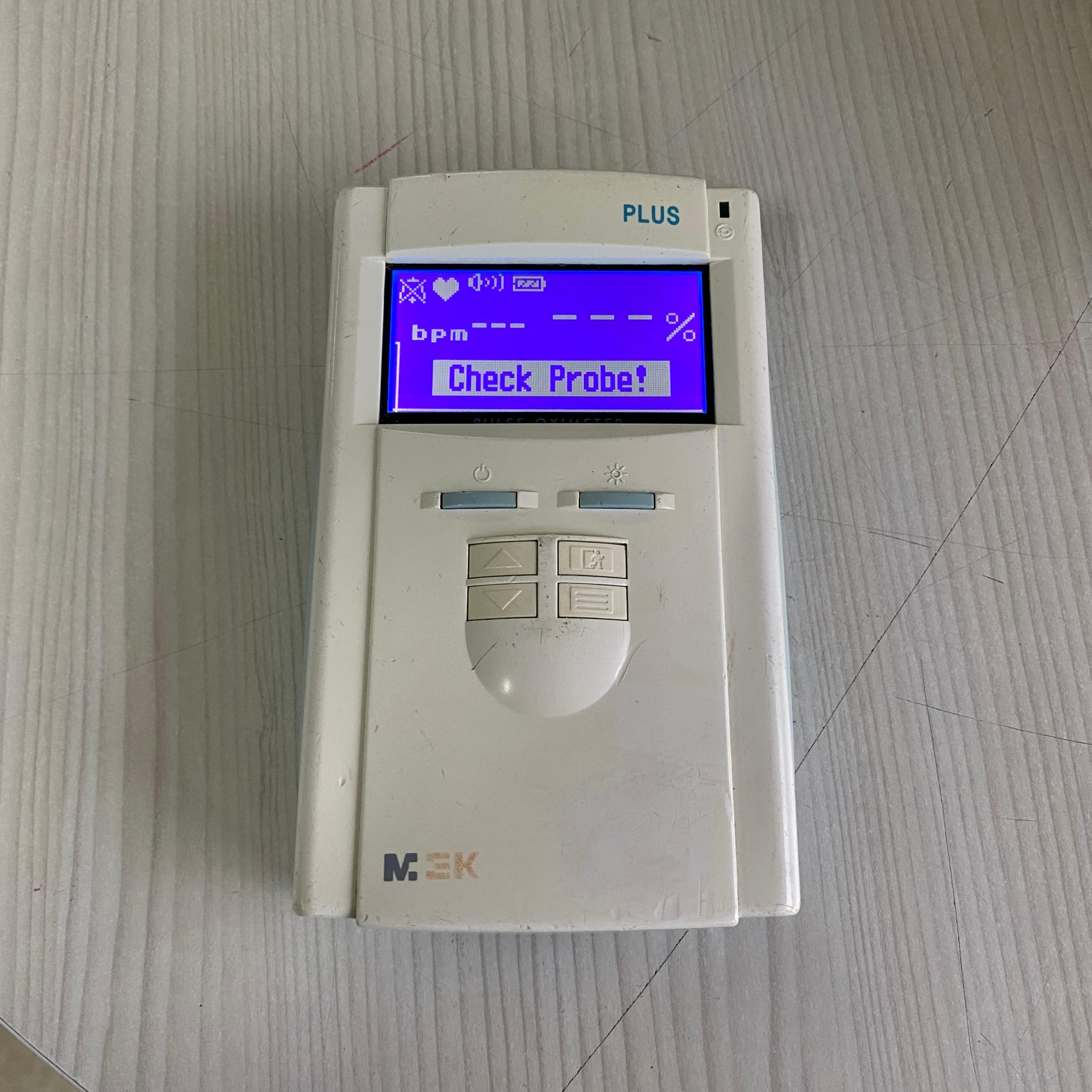
- Device Type: The inscription “PULSE OXIMETER” can be read, albeit faintly, just below the screen.
- Adapter Brand: HUAWEI (Clearly written on the power adapter’s label).
Areas of Use
The MEK PLUS Pulse Oximeter is used for monitoring patients’ vital signs in hospital emergency departments, outpatient clinics, intensive care units, or within home healthcare services. Its primary function is to non-invasively monitor the amount of oxygen supplied to body tissues (SpO2) and heart rate instantly. It can be used with appropriate probes for adult, pediatric, and neonatal patients (probe not present in the visual).
Quantity Information
A total of 2 pieces of product are present in the visuals:
- 1 unit of MEK PLUS Pulse Oximeter Main Unit
- 1 unit of Huawei brand Power Adapter
General Condition and Cosmetic Examination
The general condition of the device can be described as “used” and “worn”. There are visible signs of use on its outer casing and keypads. It appears to have been subjected to heavy use rather than a sterile environment, or it has been stored for some time.
Physical Deformation and Mechanical Components
The following details are noticeable during the examination of the device’s casing and mechanical parts:
- Casing Integrity: Numerous hairline scratches and scuff marks are present on the device’s front face, around the keypads, and generally on the body. Discoloration (yellowing/soiling) is observed in places on the plastic surface.
- Hinge/Junction Points: An opening or fitting issue is observed on the left edge where the blue plastic part at the bottom of the device joins the white upper body. The left-side junction appears more deformed compared to the right side.
- Dirt and Residue: Dirt and dust residues are present between the keypads, around the edges of the directional keys, and around the SpO2 socket input. This indicates that the device has not been cleaned for a long time.
Electronic Components and Screen Analysis
The device appears to be in working condition in the visuals:
- Screen Condition: The device’s LCD screen is intact, and its blue backlight is working. No pixel loss or cracks are visible on the screen.
- Screen Messages: When the screen is on, it displays a “Check Probe!” warning. This confirms that the device’s software is running but the sensor (probe) required for measurement is not connected. Additionally, the screen shows a battery icon, a volume icon, and designated areas for heart rate (— bpm) and SpO2 percentage (— %).
- Buttons: The device features On/Off, Screen Backlight, Up/Down directional keys, and Menu/Enter keys. The symbols on the buttons are legible but require physical cleaning.
Battery and Power Status
The “battery icon” located in the upper right corner of the screen indicates that the device has a rechargeable internal battery and is currently operating on battery power or while connected to a charger. The physical condition of the battery (swelling, etc.) cannot be observed externally.
Connection Ports and Technical Interfaces
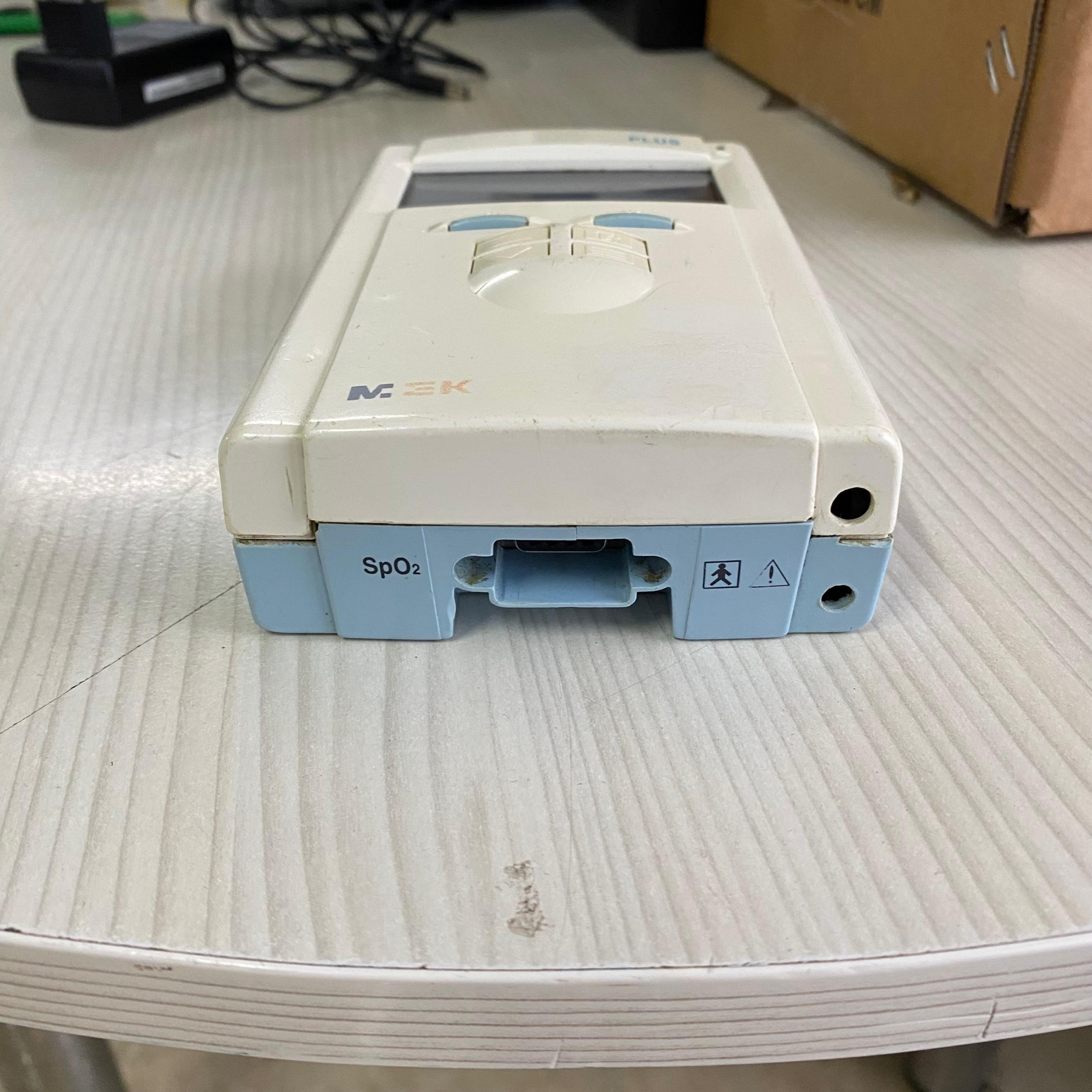
The connection interfaces located at the bottom of the device (Image 3) are as follows:
- SpO2 Port: The multi-pin input port located in the center, used for sensor connection. Slight corrosion or rust-like brownish discoloration is observed on the metal pins inside the port and around it.
- Adapter Input: A round DC power input is present in the bottom right corner.
Accessories and Compatibility Analysis
The only accessory in the visual is the power adapter:
- Adapter Brand/Model: Huawei HW-120100E1W.
- Adapter Specifications: Input: 100-240V, Output: 12.0V = 1.0A.
- Compatibility Note: The Huawei brand generally produces consumer electronics and telecommunication products. This adapter may not be the device’s original medical-grade power supply, but it appears to have been used with the device because the voltage (12V) is compatible.
- Missing Parts: The “SpO2 Finger Probe” or extension cable, which is necessary for the device to perform its primary function, is not present in the visuals. Without this part, the device cannot take measurements.
Potential Failure Risk
Although the device is in working (powers on) condition, the brownish stains (possible oxidation or rust) observed inside the SpO2 connection port (the wide socket at the bottom) could lead to poor sensor contact. Even though the device displays a “Check Probe” error, whether this error is due only to the absence of a probe or a socket malfunction can only be tested by connecting a probe.